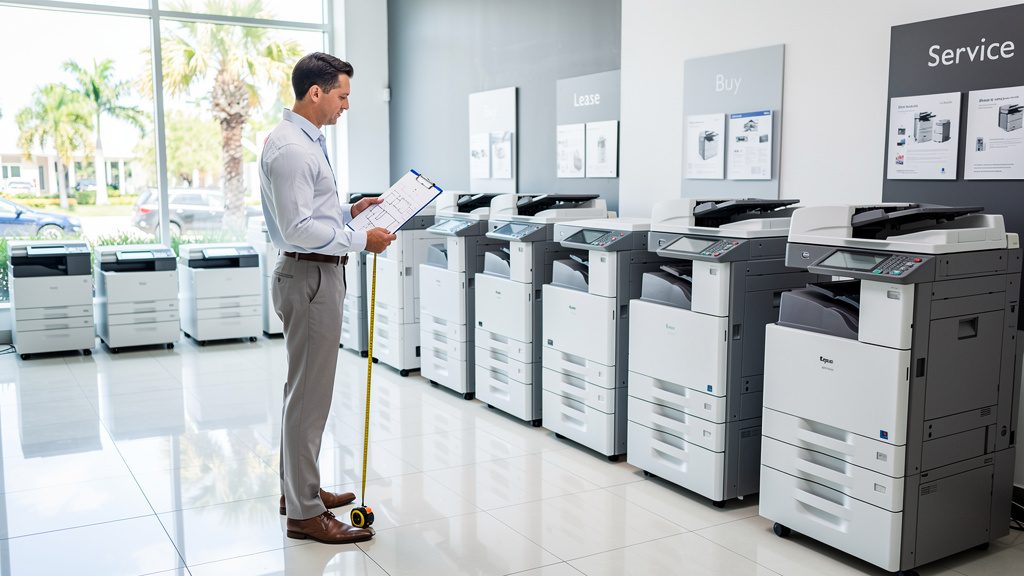
One of the most common calls we get at Commercial Copier Leasing South Florida isn’t about price at all, it’s about a machine that simply doesn’t fit the office it’s sitting in. Maybe it’s a 15-employee accounting firm in Davie running a machine built for a five-person satellite office, and it’s jamming twice a day under the strain. Or maybe it’s the opposite: a small real estate office in Aventura paying for a 65-page-per-minute production-class machine with finishing options nobody ever uses. Both situations cost money. Both are avoidable. This guide walks through how to actually size a copier to your office instead of guessing, or letting a sales rep guess for you.
If you haven’t already, it’s worth starting with our complete guide to commercial copier leasing in South Florida, which covers the broader leasing process. This post zooms in on one specific question: what machine actually matches your office’s size and volume.
Why Right-Sizing Actually Matters
An undersized copier is the more painful mistake, and it’s the one we see most often. Copiers and printers are rated for a recommended monthly duty cycle, a realistic volume range the machine is engineered to handle without excessive wear. Push a small-office machine well past that range month after month, and you’ll see it in the form of more frequent paper jams, faster toner and drum wear, more service calls, and eventually a shortened lifespan on the machine overall. Staff end up standing around a jammed machine during a client deadline, which is a cost that never shows up on the lease invoice but absolutely shows up in lost productivity.
Oversizing has the opposite problem, it’s quieter, but it still costs you. A machine rated for high-volume, multi-department output comes with a higher lease payment, a costlier service and toner plan, and finishing features (stapling, hole-punching, booklet-making) that go unused. We regularly walk into offices paying $350 to $450 a month for capability they’ll never touch. Right-sizing means matching the machine’s duty cycle, speed, and feature set to what the office actually does, not what sounds impressive on a spec sheet.
Step One: Estimate Your Actual Monthly Print and Copy Volume
Before you or anyone else can recommend a machine, you need a real number for monthly page volume. Most offices have never actually measured this, they’re going on a gut feeling, which is exactly how mismatches happen. If your current copier has a usage report or “meter read” function, pull the last three to six months and average it. If you’re leasing already, your service provider can usually give you this history in a few minutes.
If you’re starting from scratch, here are general, illustrative ranges we see across South Florida offices, not hard rules, just a starting point for the conversation:
- Small offices (under about 10 employees): typically a few thousand pages a month, think a small law office, a boutique real estate brokerage, or a single-location medical practice handling routine paperwork and client documents.
- Mid-size offices: often tens of thousands of pages a month, spread across multiple departments, accounting, HR, client-facing print jobs, and general administrative use all adding up.
- High-volume or print-heavy businesses: back-office operations, print shops, larger property management companies, or firms doing heavy internal reporting can run well beyond that, sometimes into six figures monthly.
Where you land on that spectrum drives almost every other decision below. A machine sized for the small end of that range simply will not hold up under mid-size volume, and a machine sized for high volume is overkill, and overpriced, for a five-person office.
Speed Considerations: Matching Pages-Per-Minute to Your Office
Speed, measured in pages per minute (ppm), gets treated like a vanity metric, but it’s actually a practical one once you factor in how many people share the machine. A 20-25 ppm machine might be perfectly fine for a small office in Lake Worth Beach where three or four people print occasionally throughout the day. Put that same machine in a 20-person office where four or five people are trying to run jobs back-to-back every morning, and you’ll have a line forming at the machine by 9:15 a.m.
A rough way to think about it: as headcount and shared usage go up, you want ppm to go up with it, not just duty cycle. Two smaller, moderately-fast machines placed on different floors or in different departments can sometimes serve a mid-size office better than one large, fast machine that everyone has to walk to. It’s a layout question as much as a specs question, how far do people have to walk, and how often are multiple people trying to print at once.
Color vs. Monochrome: When the Added Cost Is Worth It
Color capability is one of the biggest swing factors in both the lease price and the cost-per-page, so it’s worth being honest about whether you need it. Color makes sense when your daily output includes client-facing materials, proposals, marketing collateral, presentations, or industry-specific documents where color communicates real information, like construction and real estate plan sets where colored line work distinguishes different systems or phases.
On the other hand, plenty of offices, back-office accounting operations, medical billing departments, high-volume administrative teams, print almost entirely internal, black-and-white documents: invoices, reports, correspondence, forms. For those offices, a mono-only machine, or a color machine used sparingly with mono as the default, is usually the more cost-effective route. Color toner costs meaningfully more per page than black, and that adds up fast at volume. The honest question to ask is: what percentage of what we print actually needs to be in color? If the answer is under 10-15%, a dedicated color machine is probably not paying for itself.
Multifunction vs. Single-Function Machines
Most offices today are better served by a multifunction printer (MFP) that handles print, copy, scan, and fax in one unit rather than separate single-function devices scattered around the office. Consolidating onto one MFP per department typically means less floor space used, one service contract instead of several, and features like scan-to-email or scan-to-folder that meaningfully cut down on paper handling.
Single-function machines still have a place in specific situations, a dedicated high-speed printer near a shipping desk, for example, or a standalone scanner for a records department doing heavy digitization work. But as a general rule, if your office is choosing between a stack of single-purpose devices and a well-sized MFP, the MFP wins on both cost and simplicity for the large majority of South Florida offices we work with, from professional services firms to small medical practices.
The Special Case: Wide-Format and Blueprint Printing
If your business is in construction, architecture, or engineering, everything above still applies to your standard office printing, but it’s only half the picture. Plan sets, blueprints, and large-scale drawings need wide-format equipment entirely separate from your everyday office copier, and this is a category that gets overlooked constantly when businesses size their equipment.
Wide-format machines handle larger paper sizes (think 24 by 36 inch architectural D-size sheets and beyond), and they’re built around a completely different set of specs, media handling, roll-feed capability, and often specialized software for CAD file output. If your office regularly needs to print, copy, or scan plan sets for job sites, permitting, or client review, that’s a separate leasing conversation from your standard office MFP, and it should be sized and priced on its own. We work with construction and engineering firms across Miami-Dade, Broward, and Palm Beach counties on exactly this kind of dual setup, a standard office MFP for day-to-day paperwork, plus a wide-format unit for plan sets.
A Practical Checklist Before You Choose a Machine
Before signing anything, walk through these questions with whoever is helping you size the equipment:
- What’s our actual average monthly page volume over the last three to six months (not a guess)?
- How many people will realistically be sharing this one machine, and how far do they have to walk to use it?
- What percentage of our output genuinely needs to be in color versus black and white?
- Do we need print, copy, scan, and fax in one unit, or does a single-function device make more sense for a specific spot in the office?
- Do we have any wide-format or plan-printing needs that require a separate machine entirely?
- Is our office likely to grow in headcount or volume over the next lease term, and does the machine we’re considering have room to handle that growth?
- What’s the manufacturer’s recommended duty cycle for this model, and where does our actual volume fall inside, or outside, that range?
Getting honest answers to these questions before you shop is the difference between a copier that quietly supports your office for the next three to five years and one that becomes a daily source of frustration. We work with offices across Miami-Dade, Broward, and Palm Beach counties every week to walk through exactly this kind of sizing exercise, whether that’s a small professional office in Aventura looking to right-size down from an oversized machine, a growing team in Davie that’s outgrown its current copier, or a practice in Lake Worth Beach weighing color capability against actual need. If you’re not sure where your office falls on any of the questions above, that’s exactly the conversation to have before you lease.